FREE LOCAL VISIBILITY AUDIT
See how your business appears locally—and what deserves attention first.
Search for your business below to begin. The quick-search audit is intended for eligible businesses that display a verified street address on their Google Business Profile.
If quick search is unavailable, use the Local Rank Master scheduling, email, or phone fallback in the audit area below.
- Where you appear
- Competitive context
- Priority issues

RUN YOUR FREE AUDIT
Search for your business below.
Start typing the business name and location, then select the correct listing.
Loading the audit securely on this page…
Review Local Rank Master’s Privacy Policy and Terms.
The embedded audit is provided in a separate browser context. Local Rank Master cannot inspect or change its contents from this page.
WHAT THE AUDIT MAY REVEAL
A practical review of the signals customers can see.
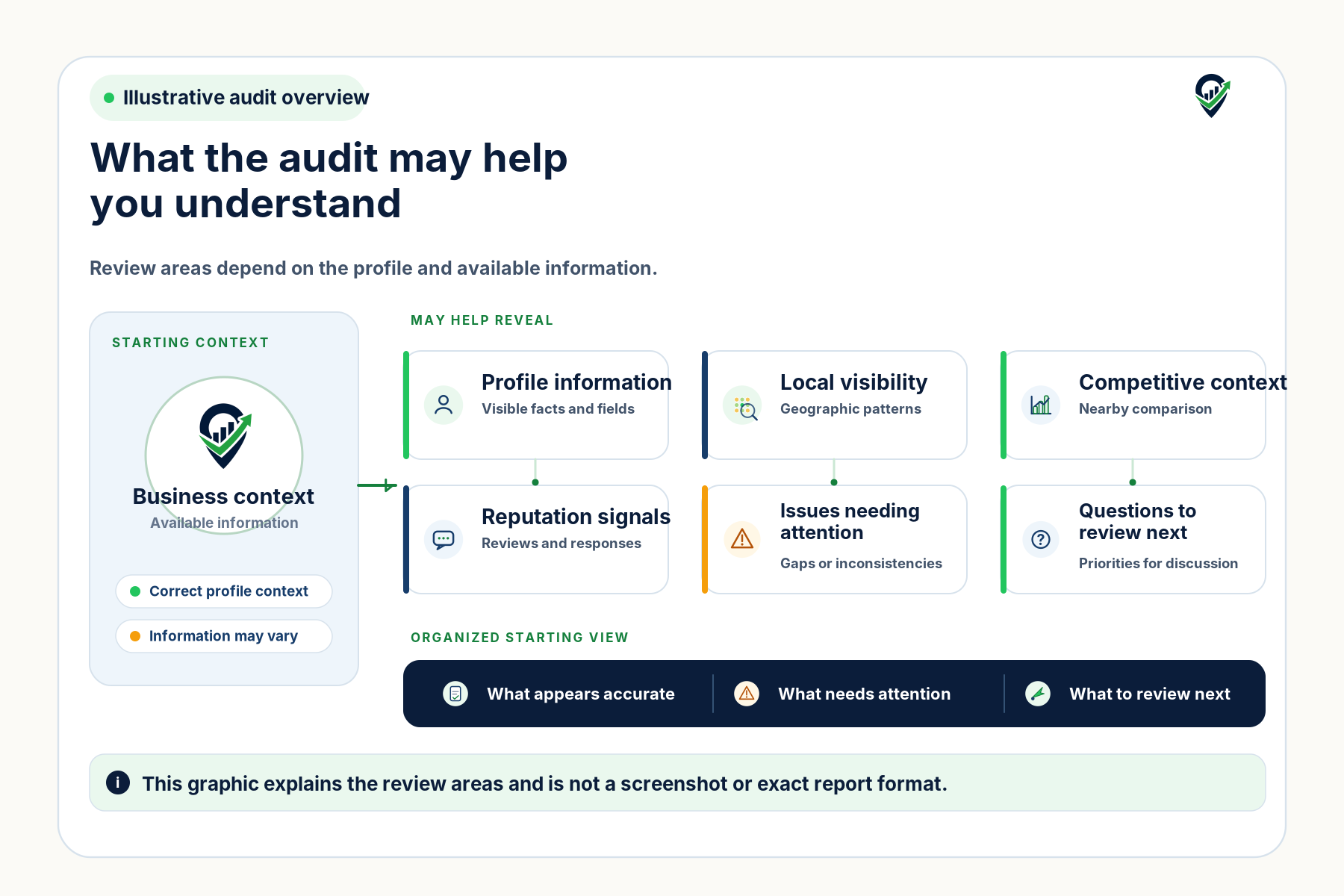
The audit brings several public-facing signals into one starting view so you can see what appears accurate, where visibility is uneven, and which issues deserve a closer look.
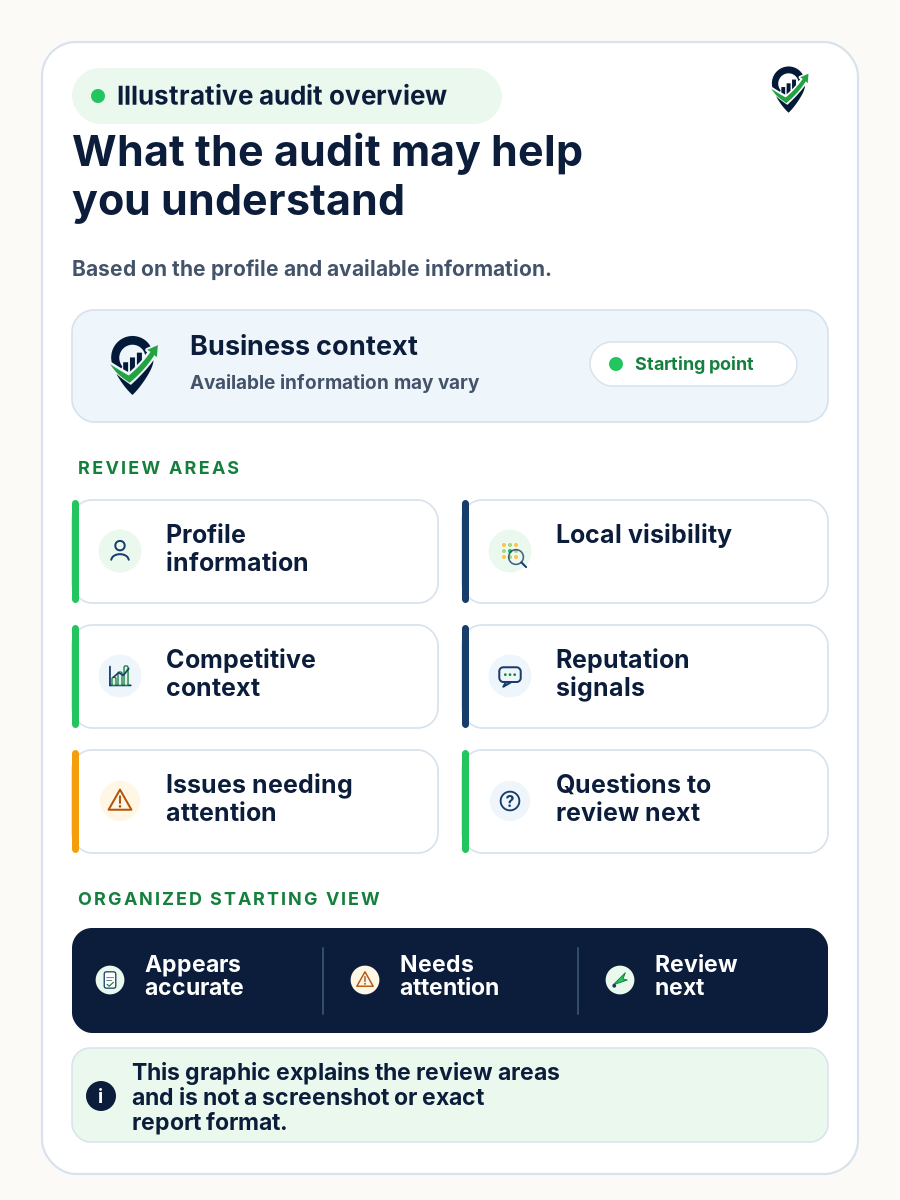
Depending on the profile and information available, the audit may include profile observations, a local visibility snapshot, competitive context, reputation signals, and priority questions for follow-up.
This graphic explains the review areas and is not a screenshot or exact report format.
-
Profile observations
Review visible business information, categories, services, hours, links, and other relevant profile fields for obvious gaps or inconsistencies.
-
Local visibility snapshot
Review how the business appears across an agreed area for an agreed search term when that measurement is available and appropriate.
-
Competitive context
Review the nearby businesses and visible context that can help explain where attention may be needed.
-
Reputation signals
Review visible review recency, response patterns, and reputation-workflow opportunities without promising review removal.
-
Priority questions
Identify visible consistency, content, reporting, or follow-up questions that may deserve closer attention.
WHEN SEARCH NEEDS SUPPORT
Use quick search when available—or Local Rank Master support when it is not.
When quick search is available, select the correct business using its name and public, verified street address. If the correct business is not available or the audit session does not continue, schedule an audit review, email sales, or call Local Rank Master.
WHAT HAPPENS NEXT
A short path from search to review.
-
Search for the correct business
Search by business name and public, verified street address when available, then select the matching business.
-
Provide the requested information
Continue with the details the audit requests for the selected business. Use the visible fallback if the business is not found or the session does not continue.
-
Review findings or book a review
Review the available profile, visibility, competitive-context, reputation, and priority findings, or book an audit review to discuss them.
If ongoing management appears relevant, that discussion happens separately.
Google controls local rankings. The audit does not guarantee rankings, calls, leads, customers, revenue, review removal, or any business outcome.